Guides & Use Cases / Pokémon collecting
Most Australians Are Valuing Their Pokémon Card Collections Wrong
Your Pokémon collection might be worth more—or less—than your portfolio tracking app says. Here's how to find out what Australian buyers have actually paid.
Published October 2026 · Australian market · Prices in AUD
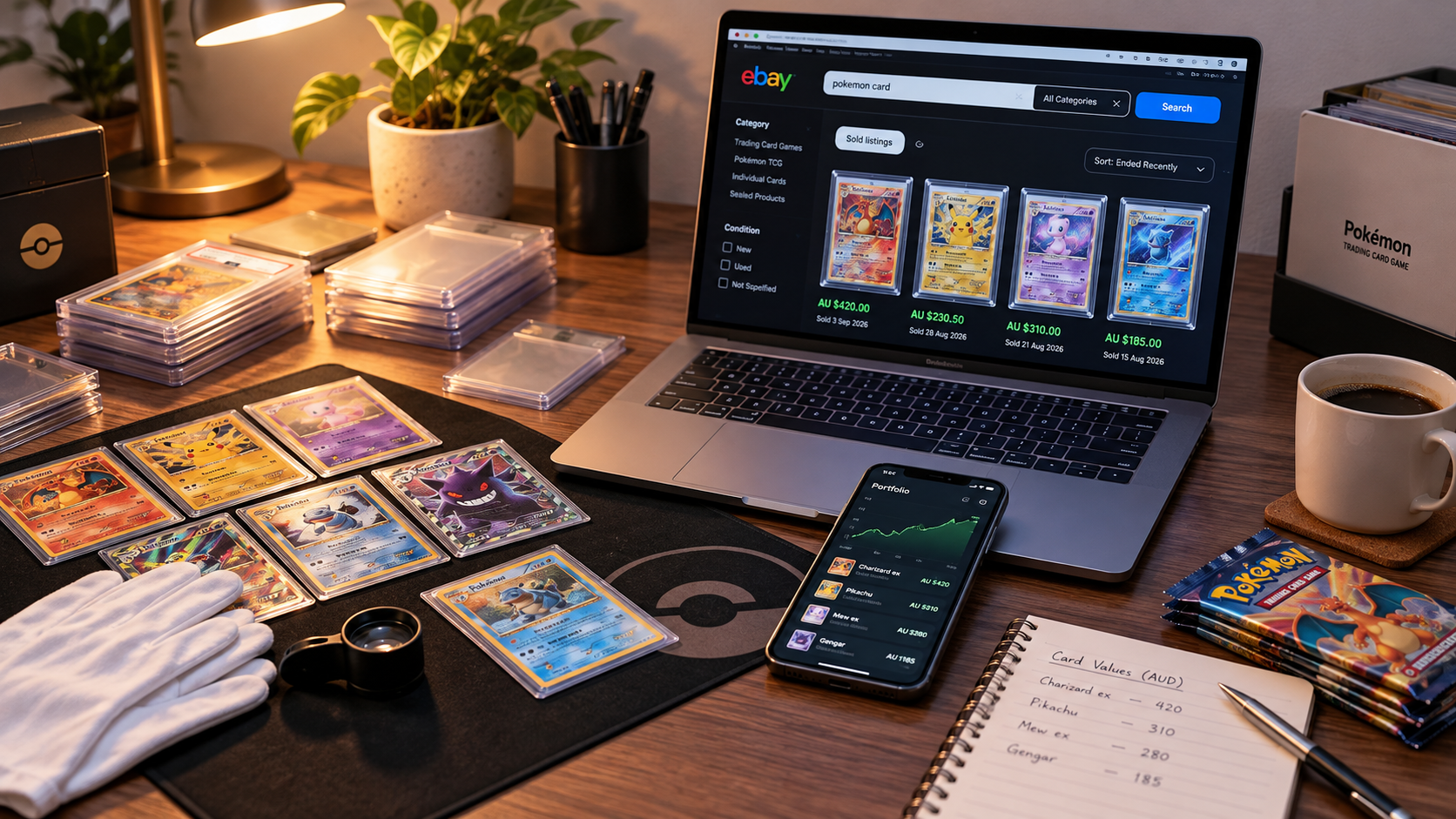
The Australian Pokémon card market isn't the American Pokémon card market. A price displayed in Australian dollars doesn't necessarily represent what Australian collectors are paying.
International reference prices, currency conversion, shipping costs and differences in local supply can all affect a card's value. Portfolio apps can be useful for tracking a collection, but their estimates should be checked against actual comparable sales.
For Australian collectors, recent verified Australian sold transactions provide a practical starting point.
And This Is Where Comparable Australian Sales Come In
Instead of relying on active asking prices, look at completed transactions where a buyer actually purchased the same card. Match the exact card, edition, condition and grading status before comparing prices.
We'll use eBay Australia sold listings, then show how ChatGPT and SnipQueue can make reviewing multiple transactions faster.
eBay Sold Listings: The Source of Truth for Australian Pokémon Card Values
Start with this example eBay Australia sold search for Charizard 4/102. It includes Sold Items and Australia Only filters. Replace the example search with your own card name and number, and check that the filters remain selected.
eBay Australia can still display overseas sellers, so verify the seller or item location. A listing marked "Completed" isn't necessarily sold; use confirmed sold transactions rather than unsold asking prices.
Before including a sale, confirm the exact card name, number, set, edition, language, variant, condition and grade. A PSA 10 is not comparable to a PSA 9, and a Shadowless Base Set Charizard is not the same product as an Unlimited copy.
Why We Prioritise the Five Most Recent Comparable Sales
For a practical current-market estimate, start with the five most recent eligible, definitive Australian transactions. Recency matters because collector demand and prices can move quickly.
Looking at more sales is useful for understanding longer-term trends and spotting outliers. However, older transactions shouldn't automatically outweigh more recent comparable sales.
If fewer than five reliable transactions exist, use the available evidence and disclose the smaller sample. With fewer than three reliable, condition-matched Australian sales, report AUSTRALIAN SOLD DATA INSUFFICIENT rather than presenting a confident valuation.
Be Careful With Best Offer (OBO) Sold Listings
A sold listing that originally allowed Best Offer may show the asking price instead of the actual accepted amount. That displayed number can overstate what the buyer paid.
Prioritise confirmed fixed-price purchases and completed auctions with definitive prices. Include accepted Best Offer transactions only when the actual accepted price can be verified, and preferably when there aren't enough definitive sales. Never treat an unverified asking price as a confirmed sold price.
Why We Value Cards Using Landed Cost
For Australian collectors comparing what it costs to acquire a card, the Australian Comparable Landed Cost includes the actual item price, standard shipping and any mandatory buyer transaction or protection fees that can be verified.
Exclude optional express delivery, insurance and unrelated purchases. If a mandatory fee isn't visible, mark it as unknown rather than inventing an amount. Keep delivery assumptions consistent when comparing listings.
Landed cost is a practical acquisition-cost benchmark, not automatically a formal fair market value. A condition-matched estimate should also consider card quality, sale dates, sample size and market volatility.
Real-World Example: Valuing a 1999 Base Set Charizard in Australia
We reviewed screenshots of recent Australian eBay sold results for the English 1999 Base Set Charizard 4/102 Unlimited Holo. Five definitive displayed transactions were selected, excluding unverified Best Offer prices and a separately graded PSA 7 copy.
| Sale date (2026) | Displayed item + shipping |
|---|---|
| 6 October | A$1,258.70 |
| 3 October | A$1,050.00 |
| 17 September | A$1,010.90 |
| 12 September | A$674.95 |
| 9 September | A$1,225.00 |
Unadjusted five-sale average: A$1,043.91
The displayed range was A$674.95–A$1,258.70. These amounts include visible standard shipping, but mandatory buyer fees were not confirmed.
Important limitation: The screenshots included different reported conditions, including Lightly Played and Excellent. This is an unadjusted illustration of the averaging method, not a verified condition-matched valuation for any particular Charizard. Check condition and authenticity before using a figure to buy, sell or insure a card.
The Fastest Way to Comp Pokémon Cards Using ChatGPT and SnipQueue
You don't need to manually type every detail of a Pokémon card or calculate every sale yourself. Use ChatGPT to identify the card, then gather the sold-listing evidence for analysis.
1. Photograph your Pokémon card
Take a clear photo showing the artwork, card name and collector number. Upload it to ChatGPT and ask for identification.
Identify this Pokémon card from my photo. Give me its name, card number, set, variant and grade if applicable. Then provide a short eBay search term using only the Pokémon name and card number. Include the PSA grade if graded. Keep the search broad enough to find relevant sold listings.
For example, search Charizard 4/102 for an ungraded copy, or add PSA 10 when searching for that specific graded version. Add the set or variant if the short search produces ambiguous results.
2. Find Australian sold listings
Open the example eBay Australia sold search in a new tab, replace the search term and confirm that Sold Items and Australia Only are selected.
Review at least five recent results where possible. Look for the same card and condition, and avoid overseas listings, lots, damaged copies and unverified Best Offer amounts.
3. Capture the evidence with SnipQueue
On Windows, SnipQueue lets you collect screenshots of several listings before switching back to ChatGPT.
- Capture. Press Win + Shift + A and select a sold listing showing the price, date and condition.
- Repeat. Capture approximately five to seven relevant results, including shipping details where visible.
- Review. Remove irrelevant screenshots and reorder the captures if needed.
- Paste All. Switch to a compatible ChatGPT input and press Ctrl + Shift + B to paste the queued screenshots.
SnipQueue batches the screenshots; it does not scrape eBay, verify sales or calculate card prices itself. The valuation comes from reviewing the evidence you provide.
4. Ask ChatGPT to analyse the comparable sales
Analyse these eBay Australia sold-listing screenshots to estimate the Australian comparable landed cost of my Pokémon card.

1. Identify the exact card, set, number, variant, language, condition and grade. Ask if unclear.
2. Extract sale dates, displayed item prices, standard shipping, mandatory buyer fees if visible, sale format and seller location.
3. Exclude incorrect cards, mismatched conditions or grades, overseas transactions and unverified accepted Best Offer prices.
4. Prioritise the five most recent definitive eligible Australian sales. Use verified accepted-offer transactions only if definitive sales are insufficient.
5. Calculate landed cost as actual item price plus standard shipping plus verified mandatory buyer fees. Never invent missing costs.
6. Show included transactions, calculations and exclusions.
7. If fewer than three reliable condition-matched Australian sales exist, report AUSTRALIAN SOLD DATA INSUFFICIENT.
8. Distinguish a condition-matched valuation from an unadjusted average containing mixed conditions.
9. Report in AUD, with the valuation date and uncertainties. Do not fabricate listing URLs.
Check ChatGPT's extracted numbers against the original screenshots before relying on the result. AI can misread prices, conditions or sale formats, and the screenshots may not show every fee.
Can You Use This Method Without SnipQueue?
Yes. The same Australian sold-comparable method works without SnipQueue and on other operating systems. SnipQueue is a Windows-only tool that makes collecting and sharing several screenshots more convenient.
Capture more. Paste once.
Collect eBay sold-listing screenshots, review them and paste the batch into ChatGPT when you're ready.
SnipQueue for Windows
SnipQueue offers a seven-day free trial with every feature, then a US$4.95 one-time licence for up to two Windows devices. Microsoft Store availability is planned; a Store listing will be linked here once it is live.
Learn more about taking multiple screenshots on Windows.
Share this guide
Know someone collecting or selling Pokémon cards in Australia? Share this valuation guide.